The bill calendar
One page, thirty-odd empty boxes. Write every recurring cost into the day it actually leaves your account — not the day you think of it — and the shape of your month stops being a guess.
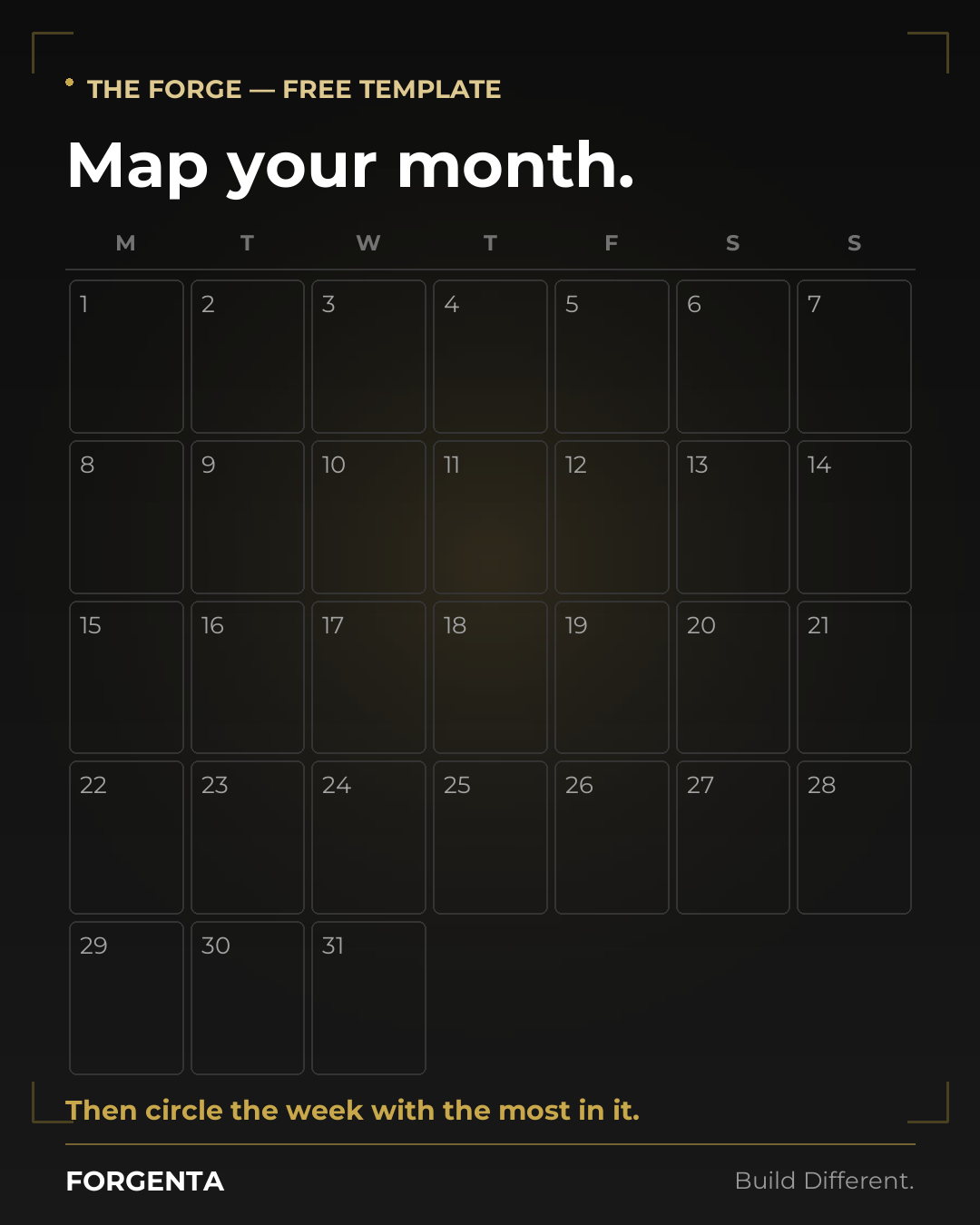
Free. Nothing to sign up for, no email, no DM. Take it and go.
Why a calendar and not a list
A list of bills tells you the total. It does not tell you that rent, the car payment and the insurance premium all land in the same four days, while the back half of the month is nearly empty. That is the thing that actually overdraws an account: not the monthly total, but the way it clusters.
Filling this in by hand takes about ten minutes and tends to surface two or three subscriptions you had genuinely forgotten. That is the point of it.
How to fill it in
- Use the real posting day, the one on the statement, not the day the bill is “due”. Autopay usually pulls earlier than you remember.
- Write the amount next to the name. A calendar with only names on it turns back into a list.
- Mark your paydays first, then everything else. The question you are answering is which bills have to survive on which paycheck.
- Include the annuals — registration, the insurance instalment, the domain renewal — on the month they hit. They are the ones that hurt.
Forgenta does this part automatically, and then keeps going: it projects every recurring cost forward month by month, tells you what is safe to spend before the next paycheck, and treats your car — payment, insurance, maintenance and build budget — as part of the same conversation as the rest of your money.